

Button Remapping
Here's how to remap the launch button for the Perplexity Android Assistant
Open Settings > Go to Apps > Default Apps > Digital assist app > select Perplexity
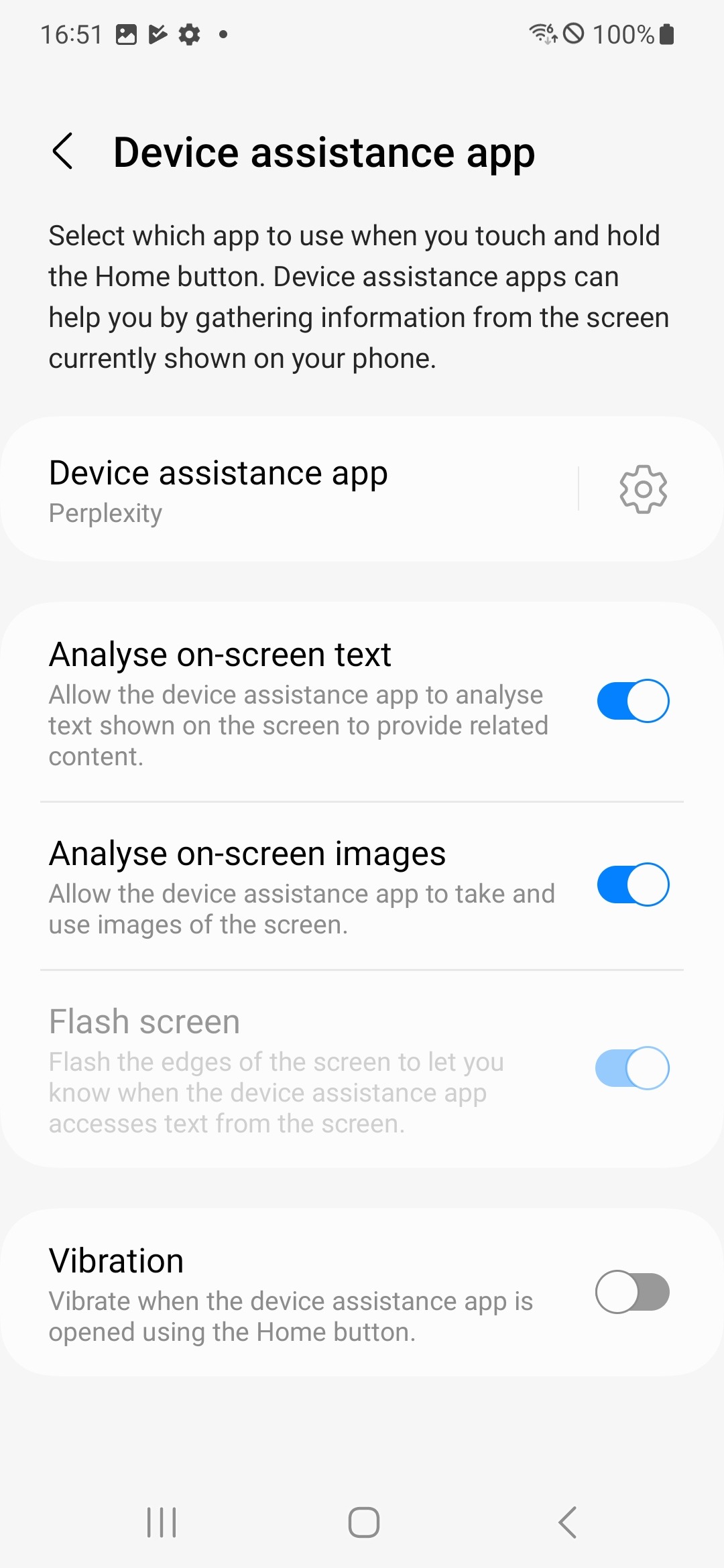
Physical button reset
-
On Samsung device: Side key settings
-
On Xiaomi device: Quick ball customization
-
On Huawei device: Smart assistant toggle