

When Perplexity cites a source, some citations carry a small shield icon. The icon marks a domain that Perplexity's source review process has rated, and it comes with one of three labels: Government, Academic, or Trusted. Select or hover over a source to see its label and a short explanation of why the domain received it. Labels help you see at a glance what kind of source you are reading.
How Perplexity labels sources
Perplexity rates the whole website a source comes from, not each individual page. The source review process decides whether a site should carry a label by checking objective questions, such as:
-
Does the site correct its mistakes?
-
Does it say who wrote each piece?
-
Does it keep news separate from advertising and opinion?
Sites that clearly meet these tests receive a label. Labels are set by the source review process alone. Perplexity's partnerships, payments, and other business arrangements do not affect a site's label.
Most domains on the web do not have a label. No label does not mean a site is low quality, and it is not a negative judgment. It means the domain has not been rated yet, or there is not yet a clear rating for it. A label is also not an endorsement of what a site publishes.
The three labels
Rated sources fall into one of three categories:
-
Government — the official website of a government organization. This label helps with legal questions, financial matters, government services, and similar topics. Examples:
nasa.gov(NASA missions, space and Earth science, aeronautics research, and official data and education resources from the U.S. civil space agency) andepa.gov(U.S. federal environmental regulation, science-based pollution control guidance, and agency data and program information). -
Academic — scientific sites. This label helps with medicine, biology, physics, mathematics, and similar topics. Examples:
science.org(peer-reviewed scientific research, news, and careers information published by AAAS’s Science journals) andjournals.plos.org(open-access peer-reviewed scientific and medical journal articles from the nonprofit publisher PLOS). -
Trusted — a broad category for sites that appear often enough in results to receive a label and that publish information within their own area of expertise. Examples:
reuters.com(international news wire covering global business, politics, and world events) andmayoclinic.org(patient health information published by the Mayo Clinic).
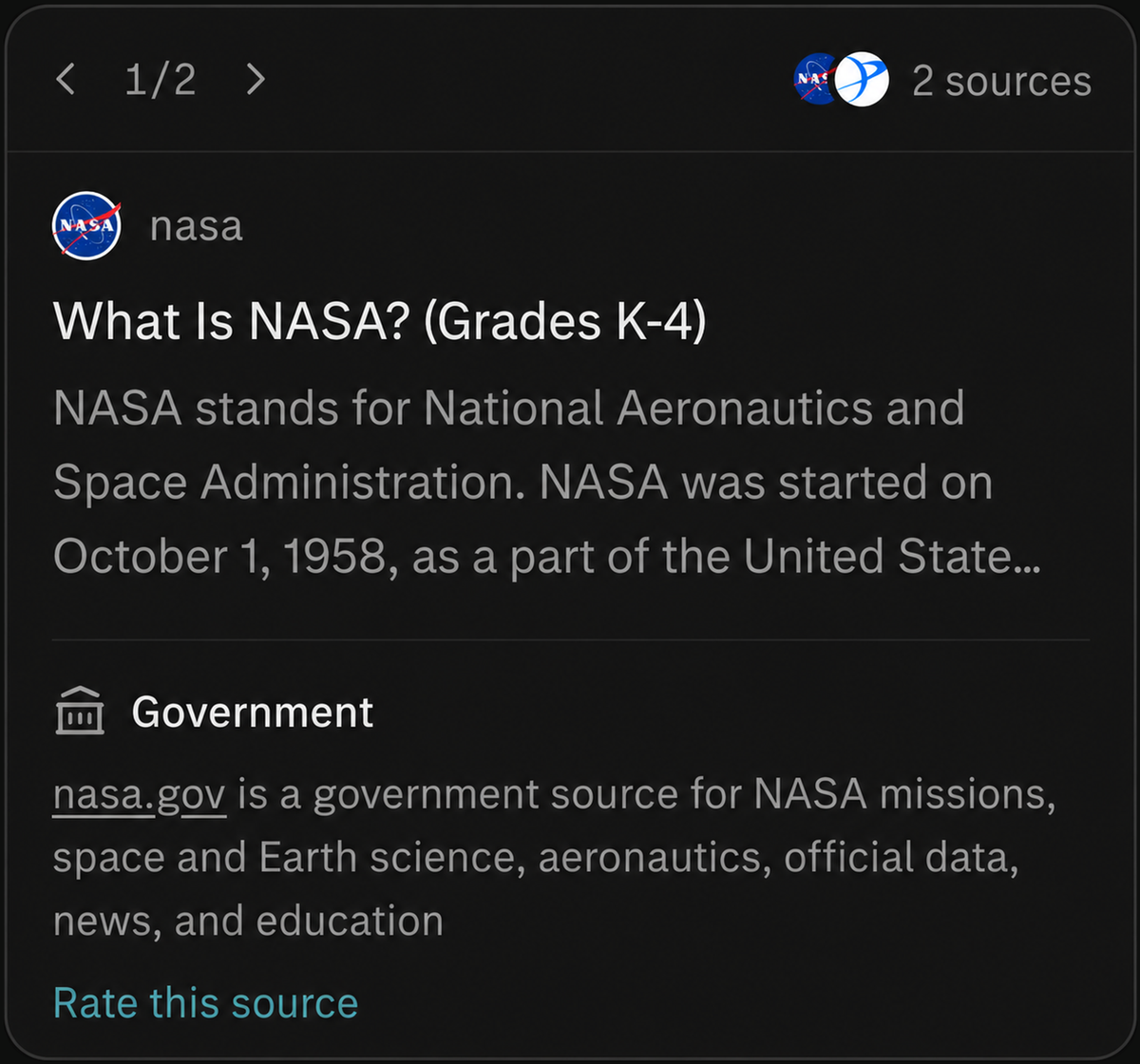
Figure 1 — The Government label on a nasa.gov citation, with a one-sentence description of what the site publishes.

Figure 2 — The Academic label on a science.org citation.
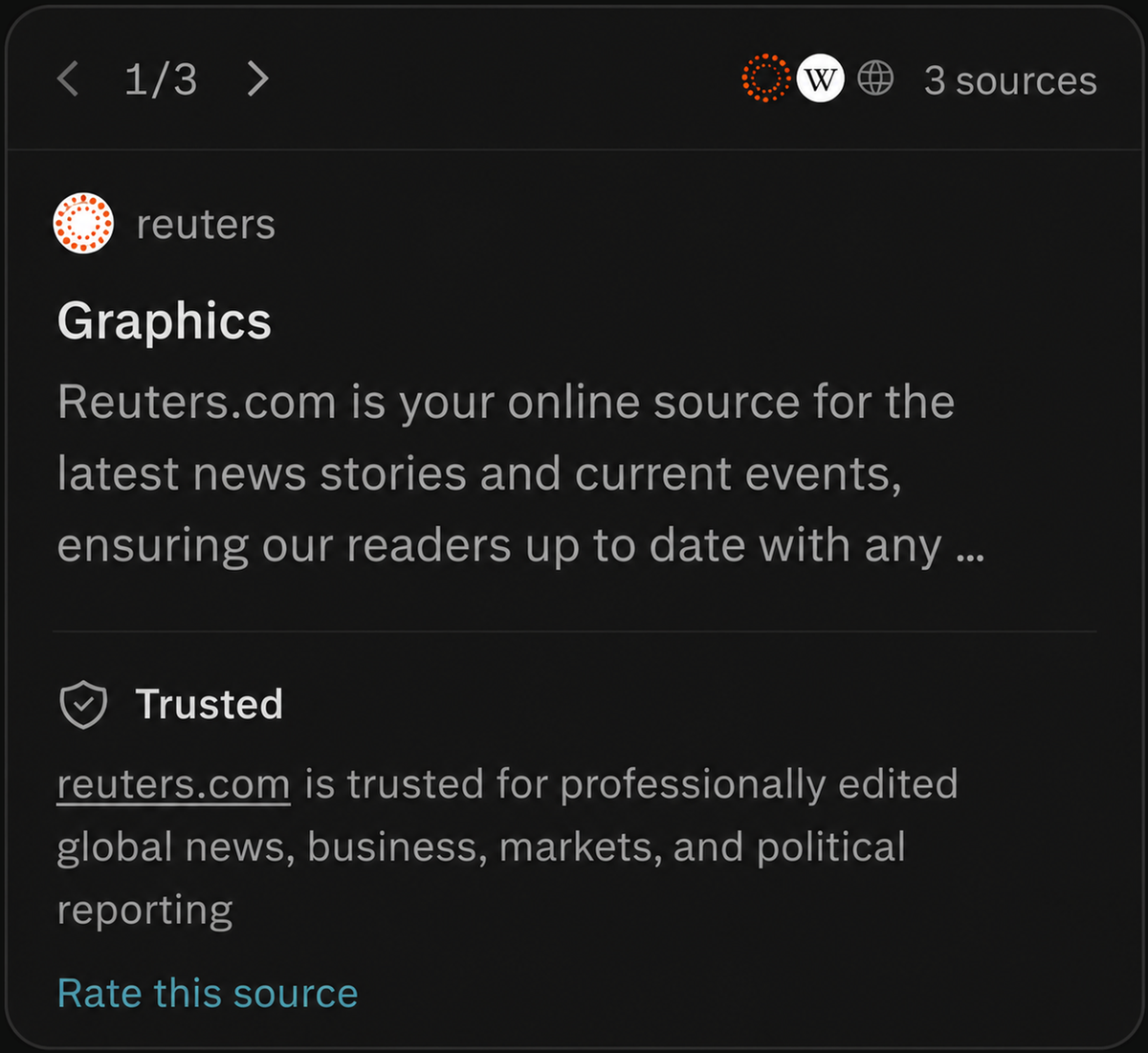
Figure 3 — The Trusted label on a reuters.com citation, shown in the sources panel of an answer.
Reading a label
Select or hover over a source in an answer to open its details. The panel shows the source’s label along with a one-sentence description of what the site is known for — for example, "nasa.gov is a government source for NASA missions, space and Earth science, aeronautics, official data, news, and education." That context helps you judge the source at a glance.
Each source panel also includes Rate this source, which you can use to send feedback about that domain.
What labels do not tell you
A label describes the website as a whole, not any single article or claim on it. It is not an opinion about the site’s views. A label can change as sites are reviewed again. And a label is never a substitute for reading the source yourself.
Good to know
-
Labels reflect the type or category of an overall website, not the accuracy of any single article or claim on it.
-
A label does not mean Perplexity agrees with a site’s views, and the absence of a label is not a judgment that a source is low quality.
-
Labels can change over time as sites are reassessed.
-
Perplexity aims for accuracy, but reviewing the original sources yourself remains the best way to build confidence in an answer.
For website owners
Do you own or work for a website? Email support@perplexity.ai with any questions about source labels.
Related
Need more help?
-
Email support@perplexity.ai.
-
Open the Help Center from the ? icon in the bottom-left corner of Perplexity.
-
Pro subscribers can access live chat in Settings.