

Creating Assets with Perplexity
Perplexity now helps you create and preview common file types, including documents, spreadsheets, presentations, and more. You can pull together research, add images, and build complete slide decks in minutes all while benefiting from Perplexity’s clear, reliable citations (on documents only) and evidence-based outputs.
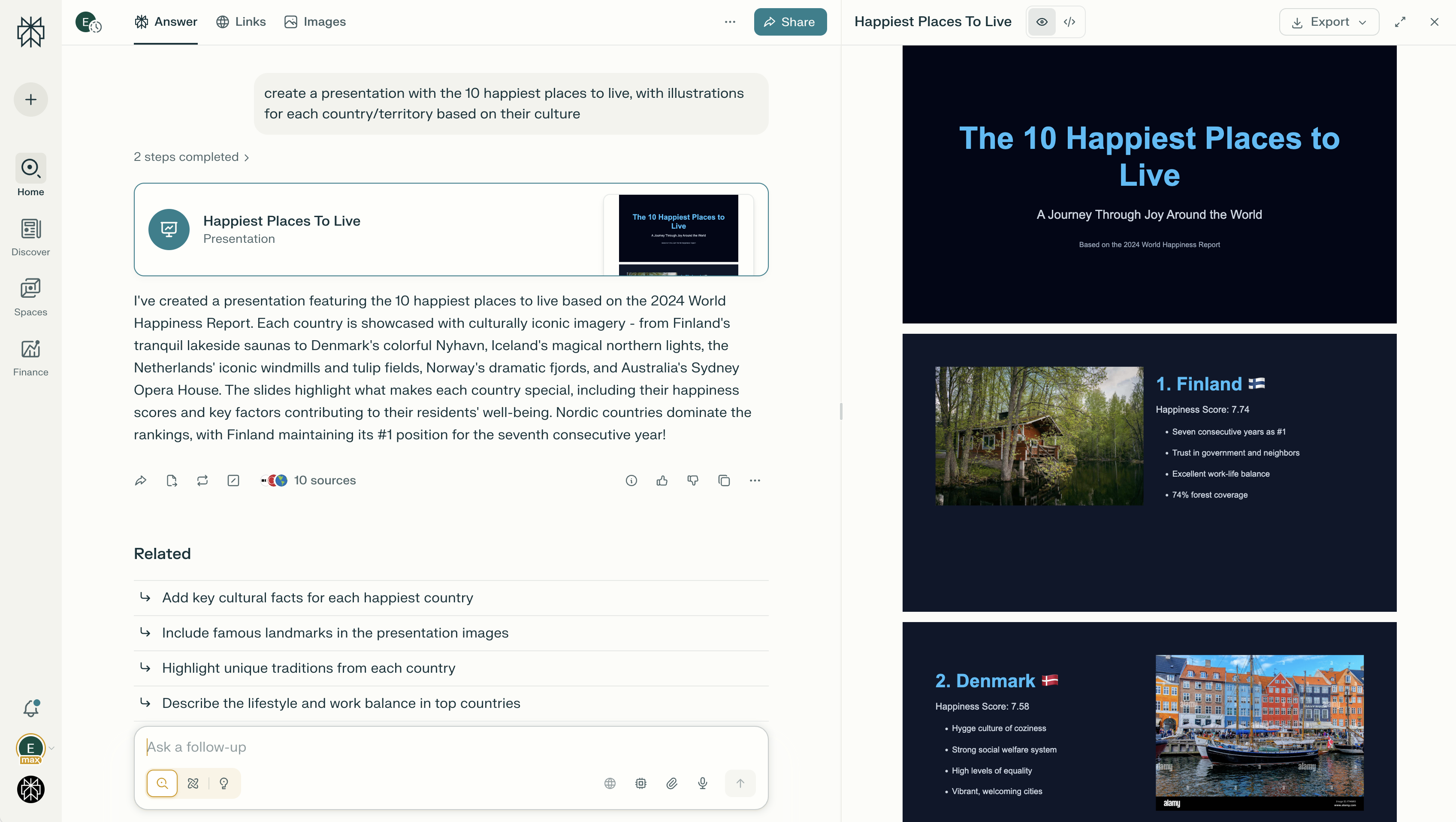
You may already find it useful to create a subset of file types in Perplexity Create files and apps today. Now, you can generate more files and preview them across more search modes (Search, Research, or Create files and apps), depending on the research strategy you’re following for your projects, allowing you to stay in your flow rather than switching modes.
Who Can Generate Assets with Perplexity?
All Pro, Education Pro, Max, Enterprise Pro and Enterprise Max users can create assets with Perplexity.
Edit history, file preview, file download, and sharing are fully supported, making this feature accessible and flexible for individuals and teams. You can also export documents, spreadsheets and presentations to Google Drive, if you have connected your Google Drive account to Perplexity.
Different limits may apply depending on your plan.
Why Create Assets with Perplexity?
-
Turn prompts into polished work in minutes. Create documents, spreadsheets, presentations, and apps without the usual weeks of planning and back-and-forth.
-
Add visuals that matter. Insert images, tables, and AI-generated images directly — no coding or external tools needed.
-
Refine as you go. Make precise edits with follow-up prompts, preview changes instantly, and access your full edit history. Need it condensed or in a different format? Just ask.
-
Switch between formats easily. Add slides to existing docs or convert documents into presentations with one click.
-
Research is built in. Every document automatically includes Perplexity-grade citations and research, so your content stays credible.
What File Types are Supported?
Perplexity supports the creation of the following file types:
-
Document Files: DOCX, PDF
-
Spreadsheet Files: XLSX
-
Presentation Files: PPTX
-
App Files: HTML
How to Create an Asset with Perplexity?
-
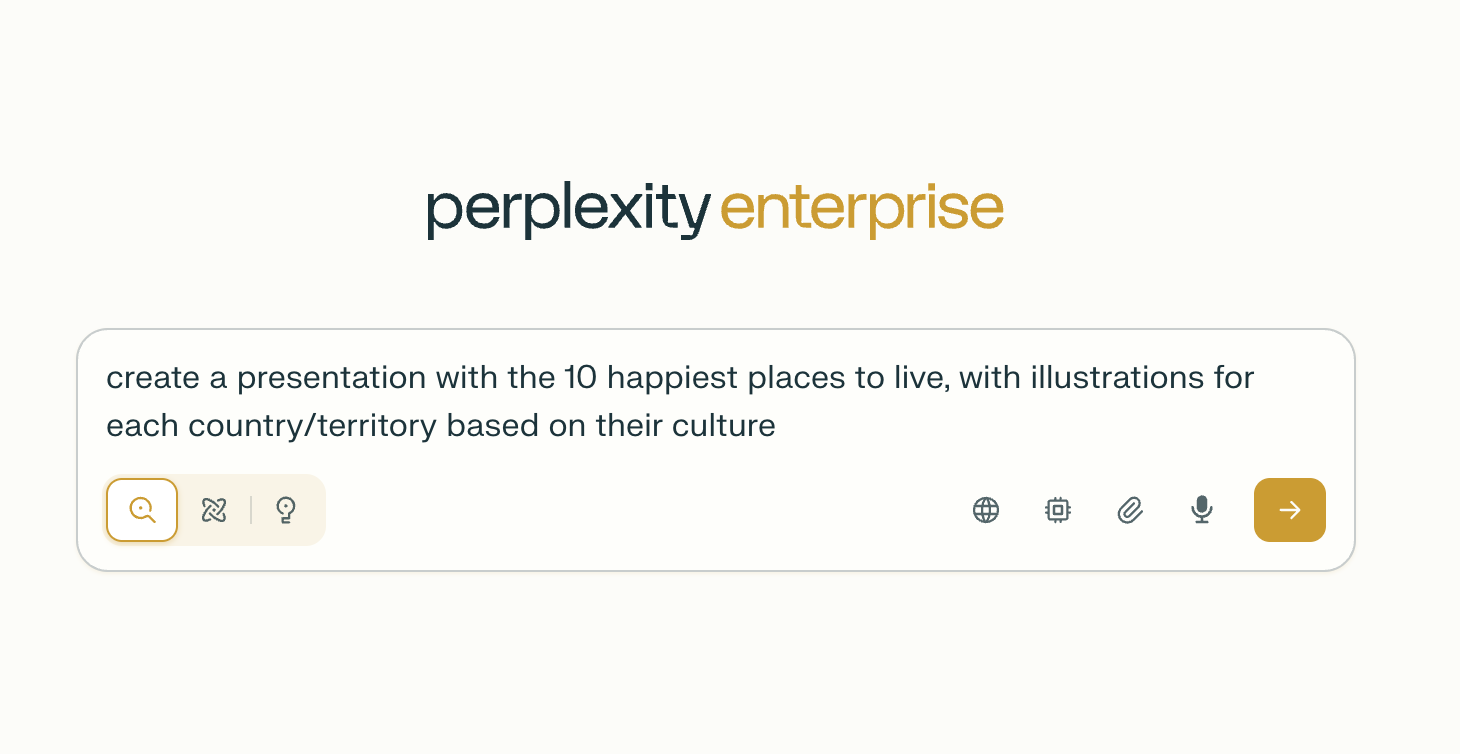
To start a new document, presentation, spreadsheet or app, you can write a prompt with what you’d like Perplexity to do. You can request images or other elements you’d like to include – or you can do this at a later stage.
-
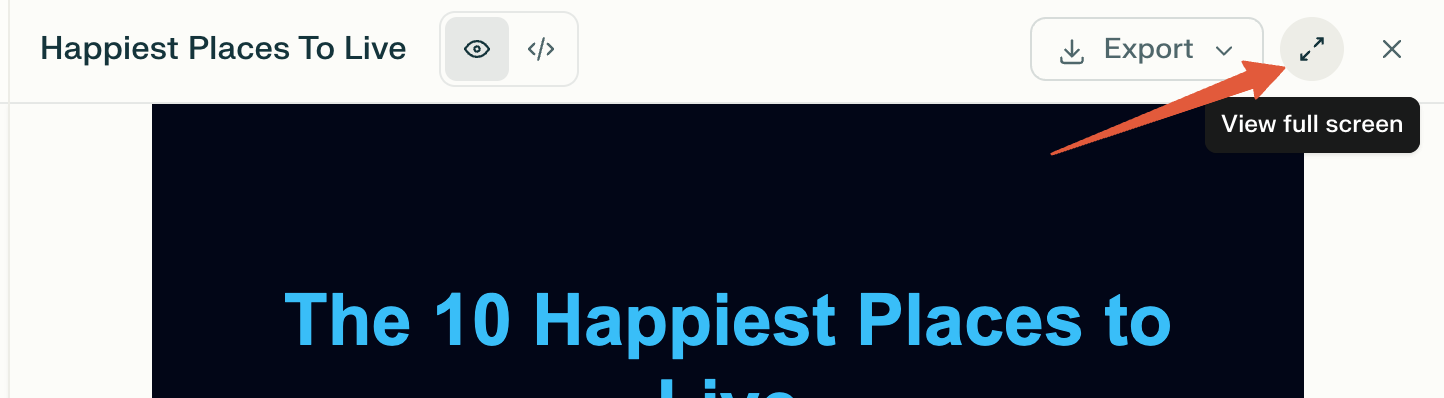
Preview the file: Use the side panel to take a look at your newly created file and "expand" to see it in full screen.
-
Add and edit content: Use follow-up prompts to add or edit the content on your asset. For example, you can use natural language to ask Perplexity to add a slide with a conclusion for a more compelling presentation.
-
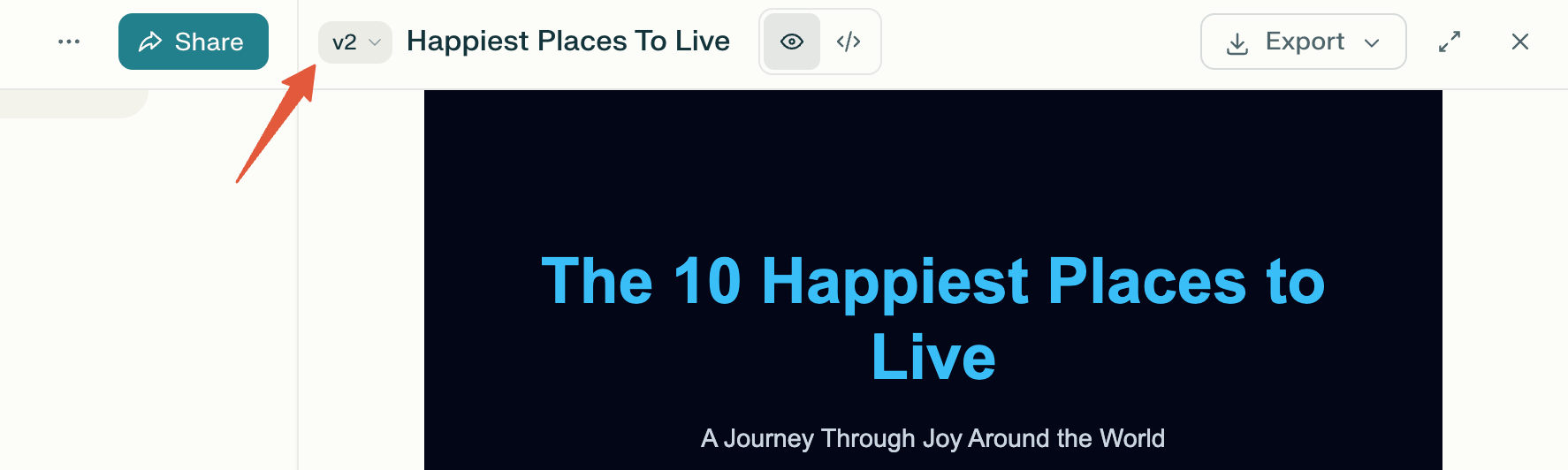
Iterate: Use version history to revisit previous versions, or use follow-up prompts to request condensed or alternative formats (e.g., DOCX, PDF).
-
Export and share: Documents, presentations, and spreadsheets can be downloaded, shared with others, or previewed on web and mobile. Currently, we support PPTX and HTML for presentations, PDF and DOCX for documents, XLSX for spreadsheets, and HTML for apps.
Frequently Asked Questions
Can I apply specific slide layouts or templates to my presentations or documents?
Not currently. Perplexity produces functional presentations and documents that help you save time. Once you have the content and structure, you can edit the layout, and set any template you’d like to use.
Can I change file types or condense my documents, presentations, spreadsheets, or apps?
Yes. Simply use a follow-up prompt to request a different file format or a condensed version—you don’t need to start over.
Where can I find previous versions of my documents?
You can track previous versions of any documents, apps, presentations, and spreadsheets that you create directly on each session as you go. This allows you to iterate and to have control and visibility on revisions.
Do I need additional software to open the documents I create?
Any time you generate an asset, Perplexity automatically opens a preview for all major supported asset types directly after generation.
If you would like to review or edit any asset yourself for complete control, for example to change the theme or color of the document, you will need to download the file and use compatible software on your local machine.