

Deleting your account completely
IMPORTANT: Please cancel your subscription before deleting your account to avoid charges after deletion.
You have two ways to delete your account fully:
Delete account yourself
You can initiate data deletion directly from your account settings, without the need to contact support or submit a separate request.
-
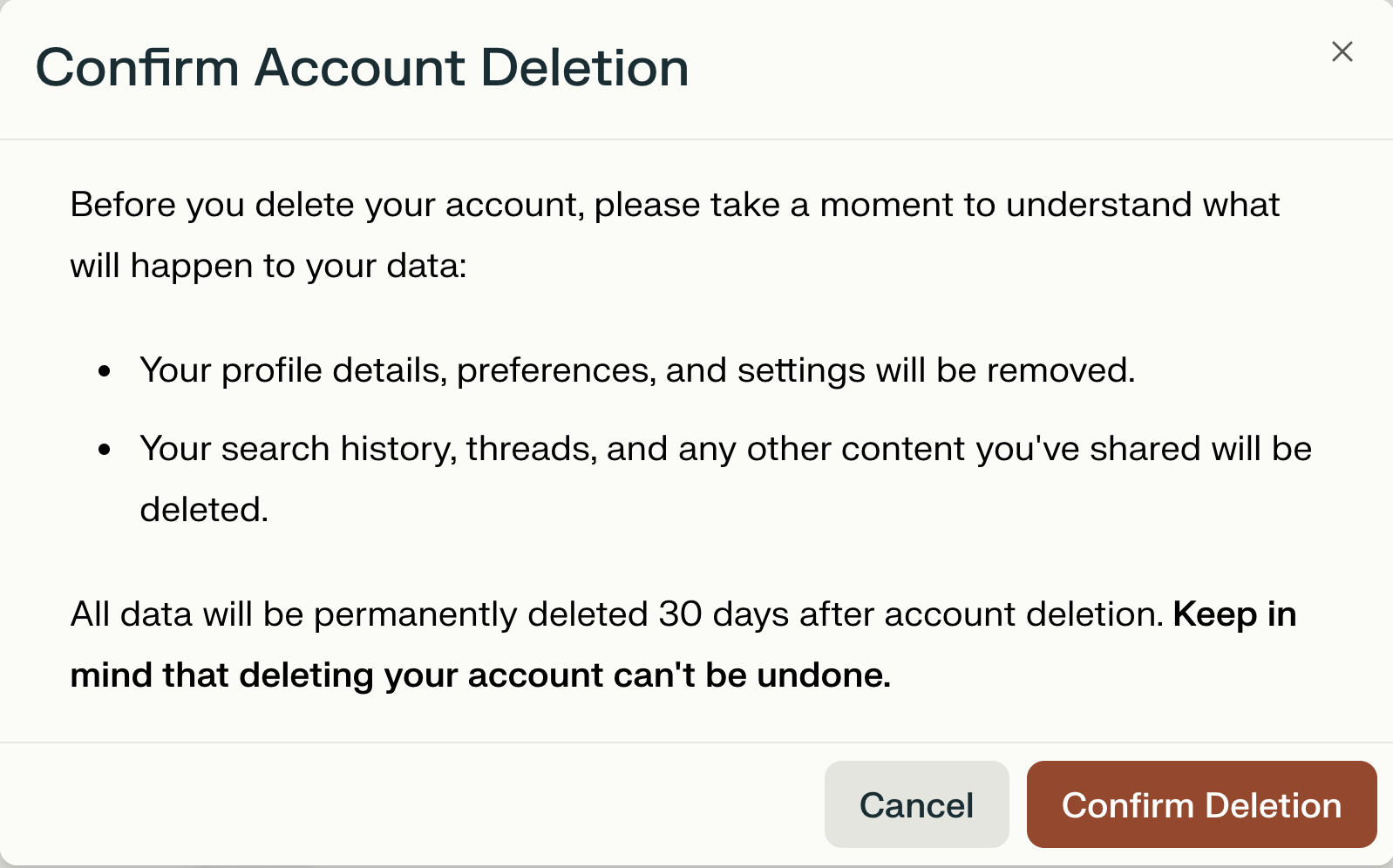
All account and personal data will be permanently deleted within 30 days. During this period, the account remains disabled and scheduled for erasure.
-
Once deletion completes, it is irreversible.
-
Once deletion completes, signing in with the same email creates a new, empty account, and your previous data will not be restored.
-
If you sign back in before deletion completes, your deletion request is canceled and your account is reactivated.
Steps on how to delete the account:
-
Sign into the account and visit: https://www.perplexity.ai/account/details or click on the bottom left corner and then select my account.
-
Scroll to the bottom of the page to find Learn more.
-
A pop up will appear and you will be able to confirm the deletion process.
Request account deletion
You can delete your account directly from your account settings, including when exercising your right to erasure under GDPR and similar privacy laws.
-
Go to Account settings.
-
Select Delete account.
-
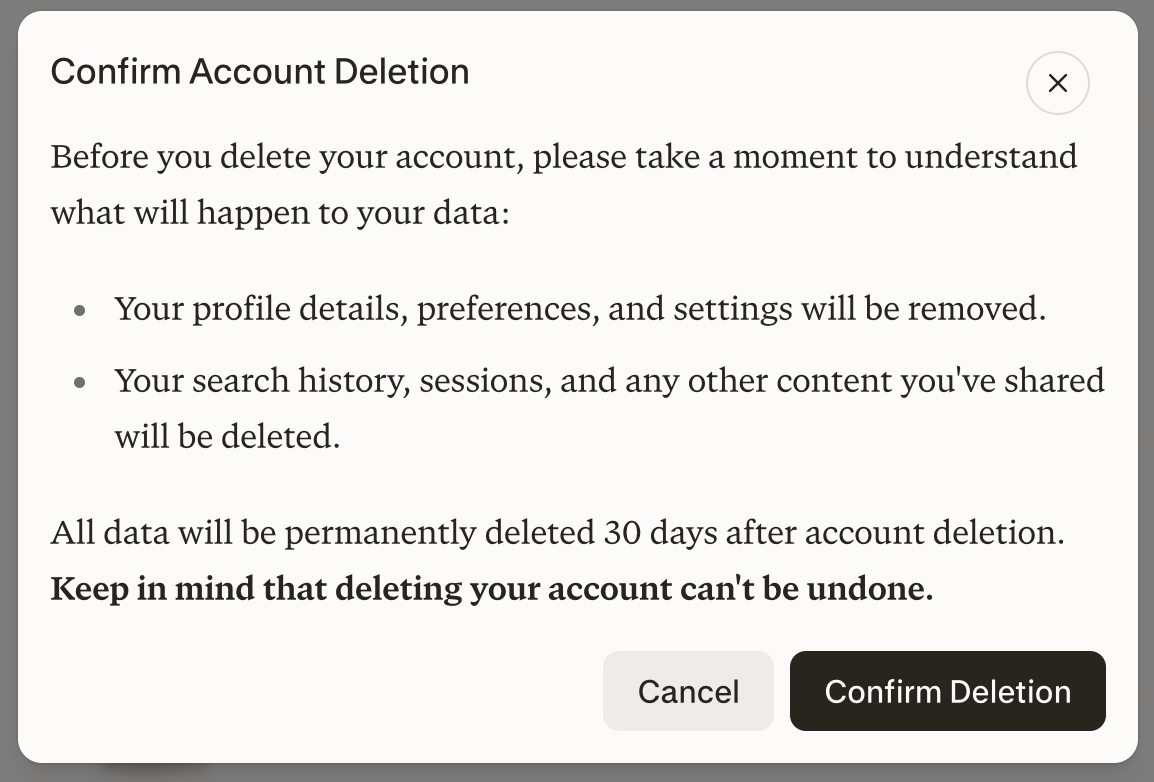
Review the information and confirm your request.
How can I stop account deletion?
To stop a pending deletion, sign back in as soon as possible. If deletion has not yet completed, your deletion request will be canceled and your account reactivated. Once deletion completes, it cannot be reversed.
Deleting your data
Deleting all your threads
If you want to remove all content you've published without deleting your account:
-
Visit your thread History.
-
Click the more options icon [...] (Three dots) on the top right.
-
Select "Delete all threads"
This action cannot be undone
Deleting specific Sessions
To remove a single thread or specific post you've created:
-
Visit your thread History.
-
Click the more options icon [...] (Three dots) beside the thread you want to delete or go into the thread in question and click the more options icon and select "Delete" thread
Deleting specific Project
Here's how to delete projects or Pages, or individual threads
-
Click on the project or page you wish to delete.
-
Click on the three (...) next to the title and select Delete.
-
Please note we will ask you to double check if you wish to delete the content. This action can't be undone.
Deleting a specific file or image
Files are kept for 30 days by default. To delete uploads, delete the entire session. Learn more about file retention here.